
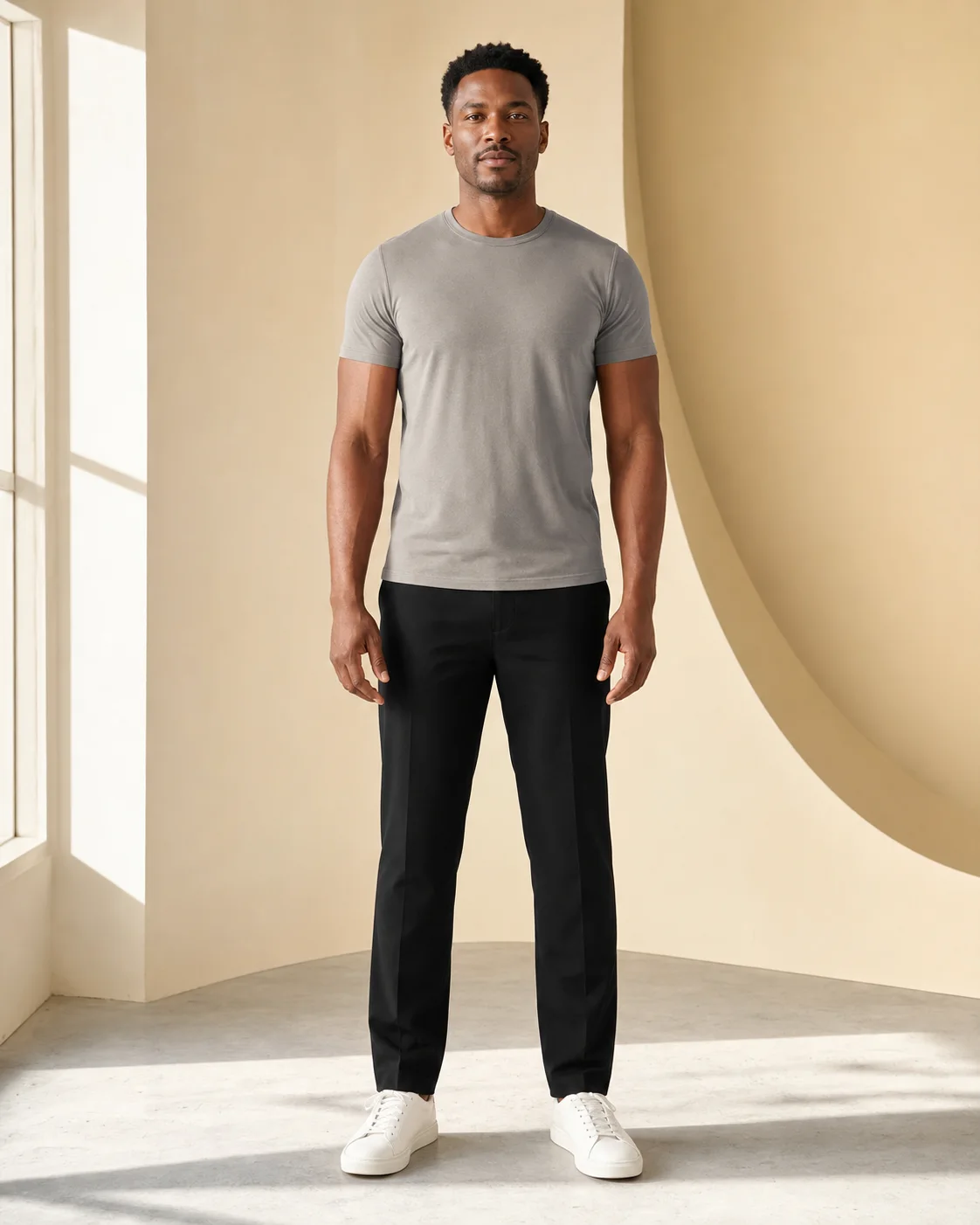
Your person photo
Use one visible person, good lighting, and a front or three-quarter view. The shortest edge must be at least 512 pixels.
Upload your photo plus a saved outfit, or describe the look you want. Get a visual outfit preview in about 10–30 seconds, with two successful generations free every 24 hours—no account required.
2 of 2 free generations left
Clear, one-person photos work best.
Show the full outfit clearly.
Add your photo to continue.
See the person photo, the outfit reference, and the generated result together.
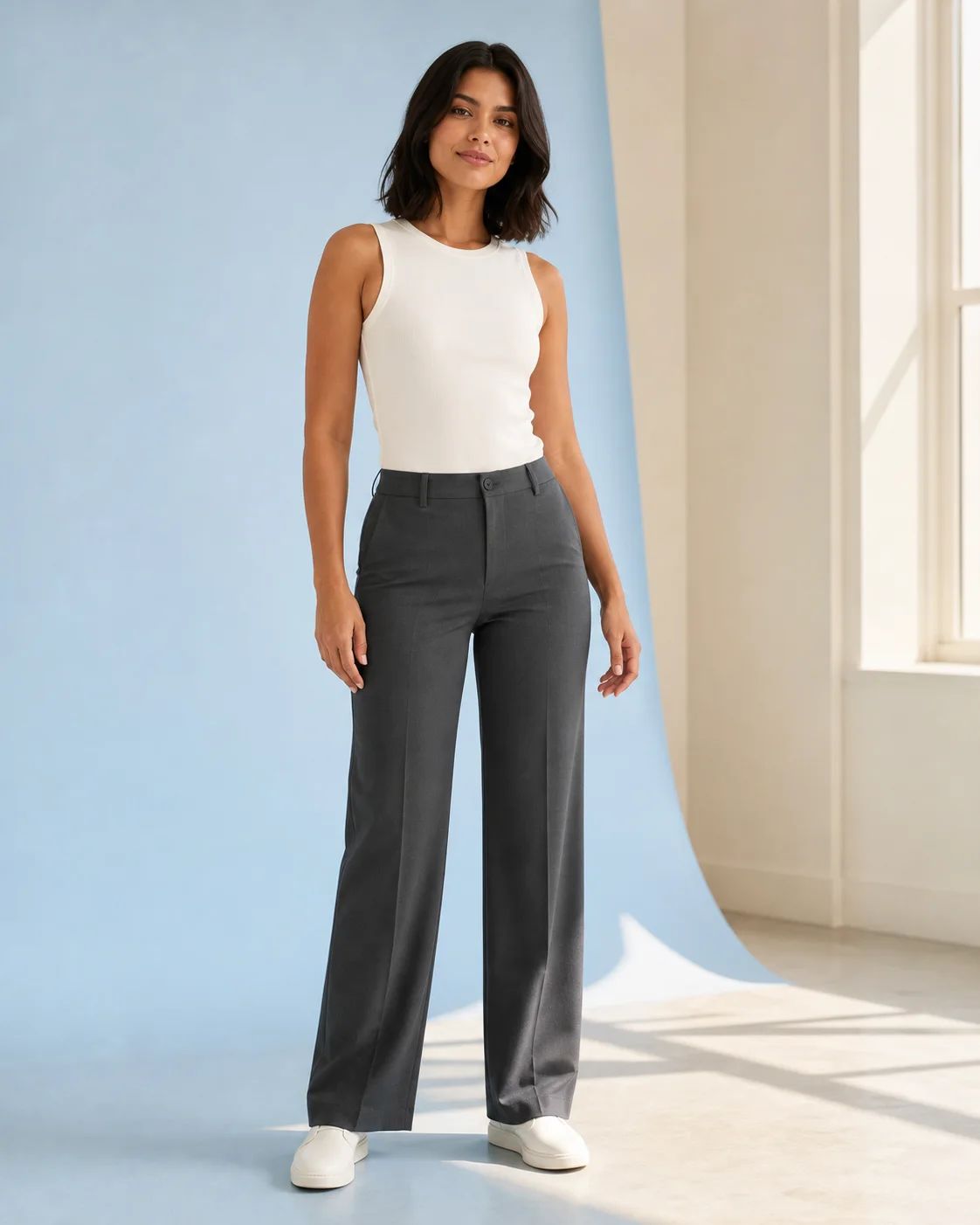 YOURESULT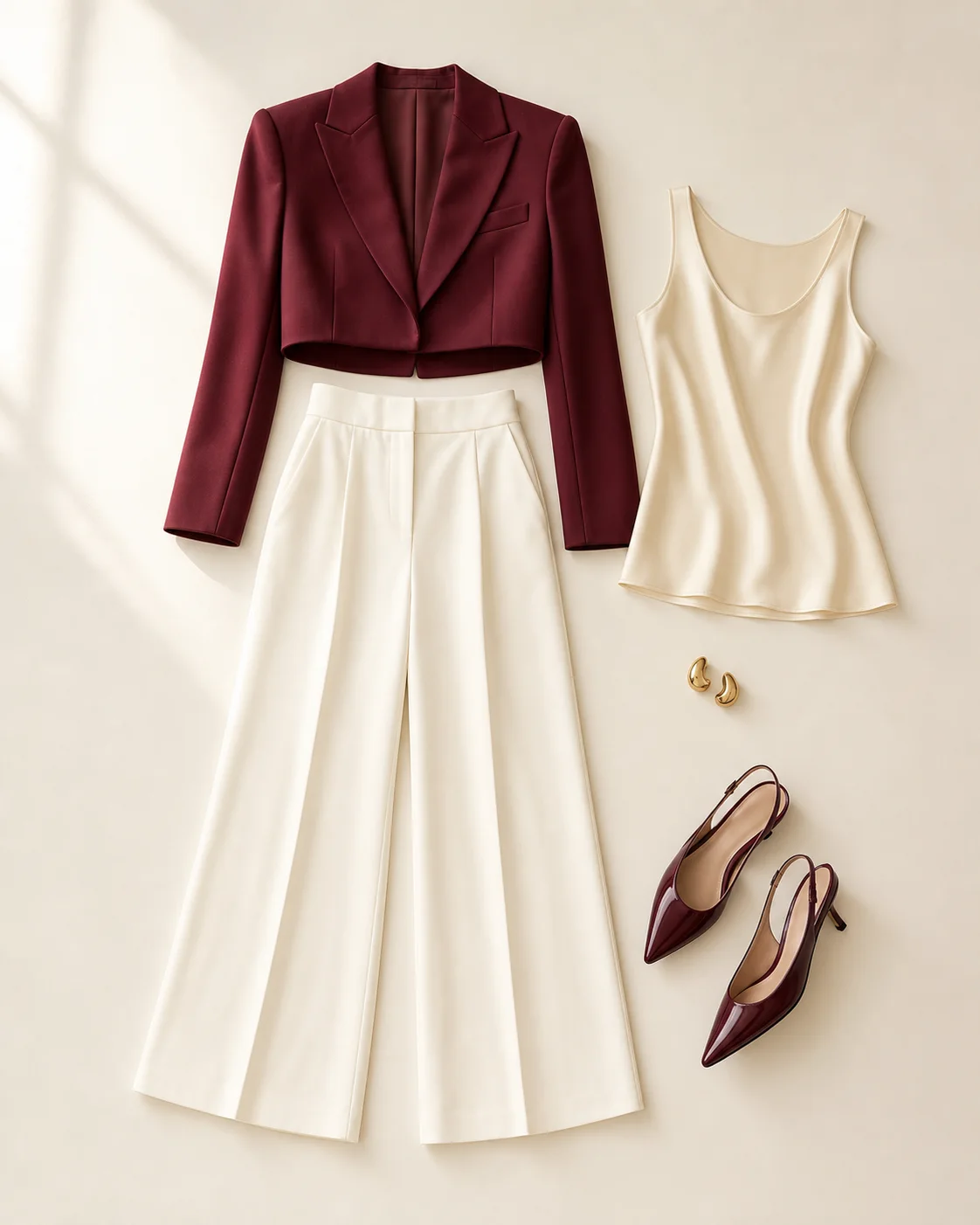
An AI outfit generator creates a visual clothing preview on a person photo from either an outfit image or a written idea. Use the preview to explore a look before styling or buying it. It is not a prediction of garment size, physical fit, availability, or exact fabric behavior.
Choose one clear, front-facing or three-quarter photo. Full-body and waist-up frames give the outfit more room.
Upload a complete saved outfit, or describe the color, fabric, silhouette, and occasion you have in mind.
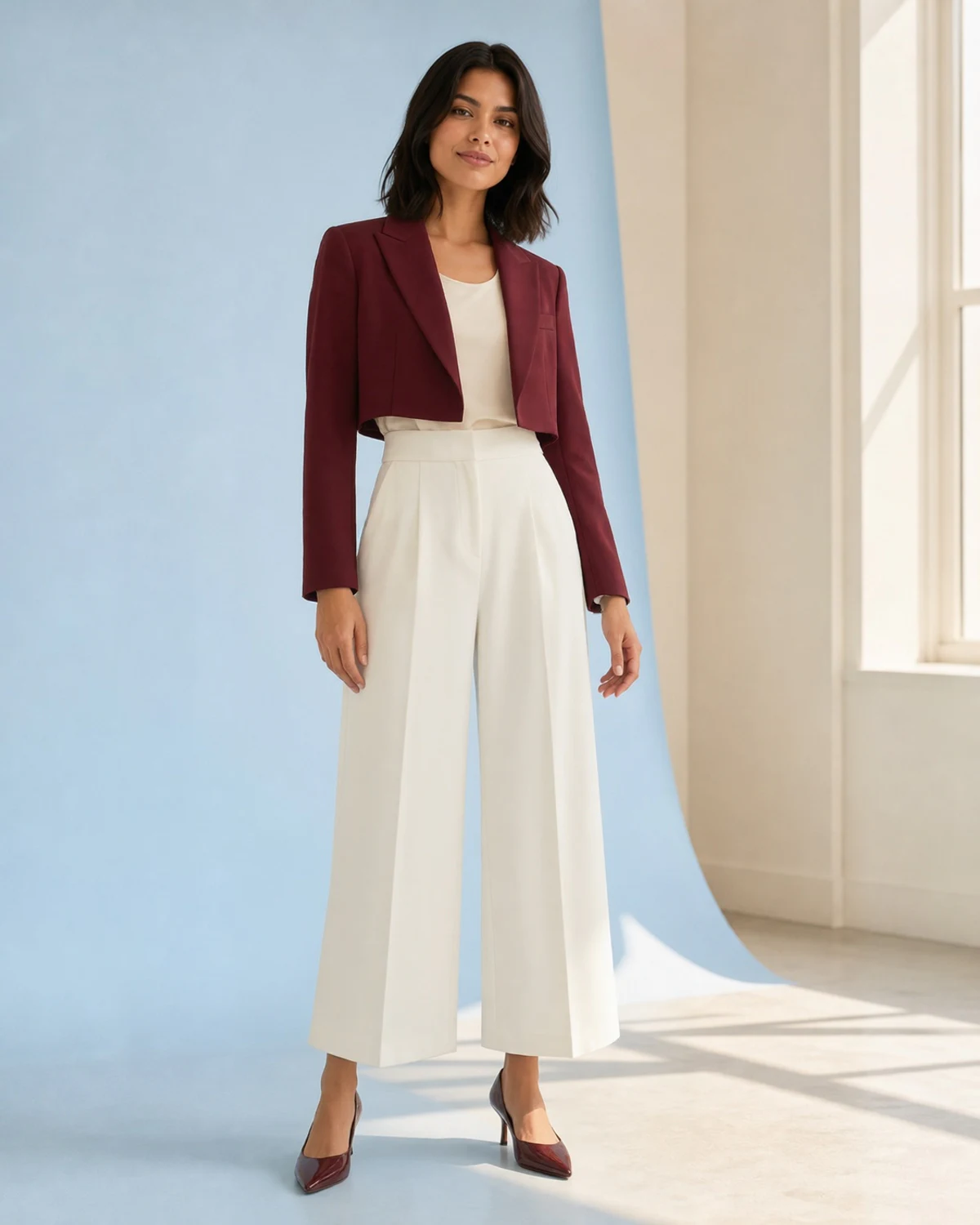
Review the visual result beside your inputs, download the JPG, or regenerate another version.
Use Reference Look to apply your own clothes from a full outfit photo, flat lay, product shot, or shopping screenshot. Use Describe a Look to guide the clothing change with color, fabric, silhouette, and occasion. Both modes start with one clear person photo.
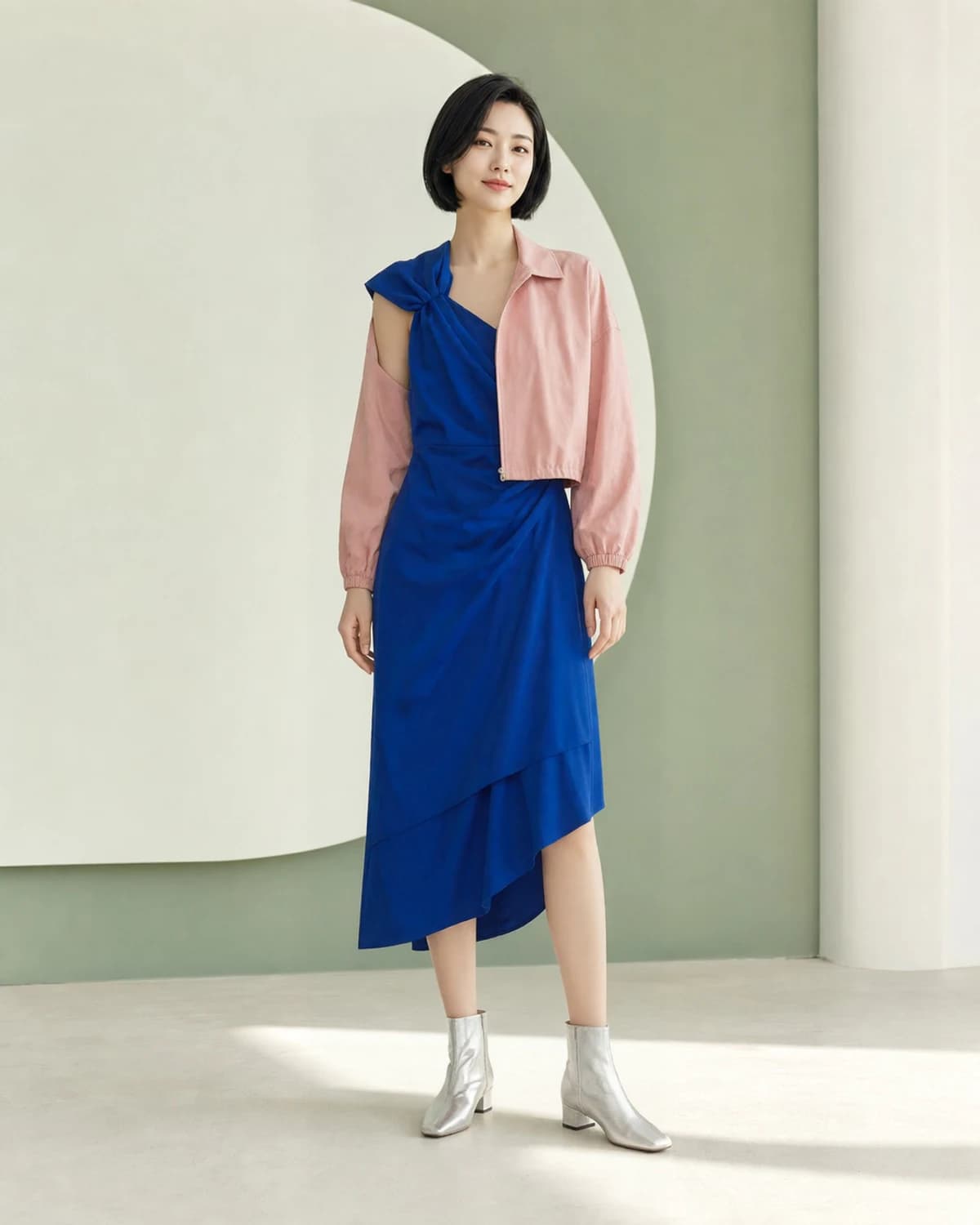
Upload your photo and one complete outfit image. Use a flat lay, product shot, Pinterest save, or cropped shopping screenshot.
Open Reference LookUse one visible person, good lighting, and a front or three-quarter view. The shortest edge must be at least 512 pixels.
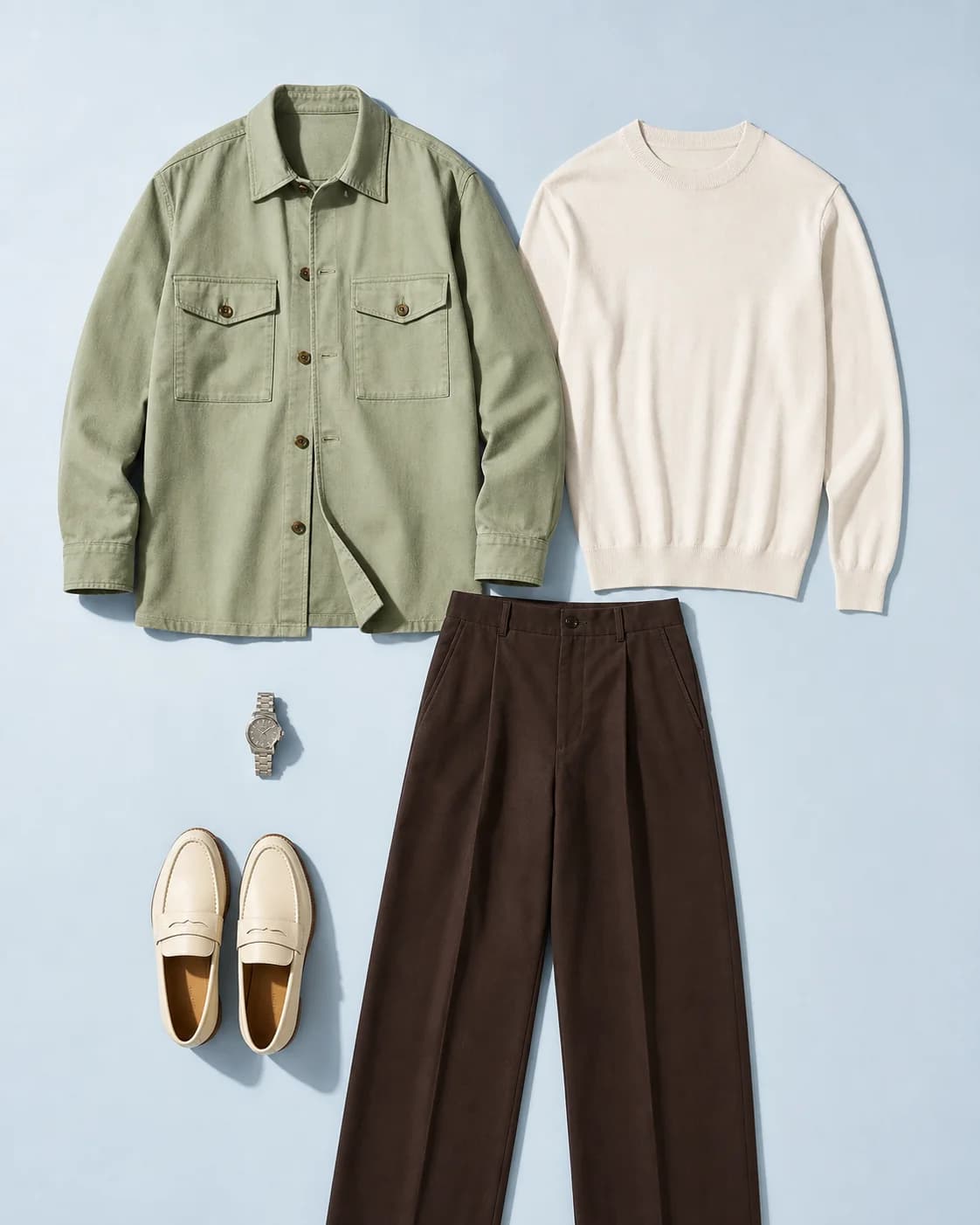
Upload a complete outfit image, or write a specific description with style, color, fabric, and occasion.
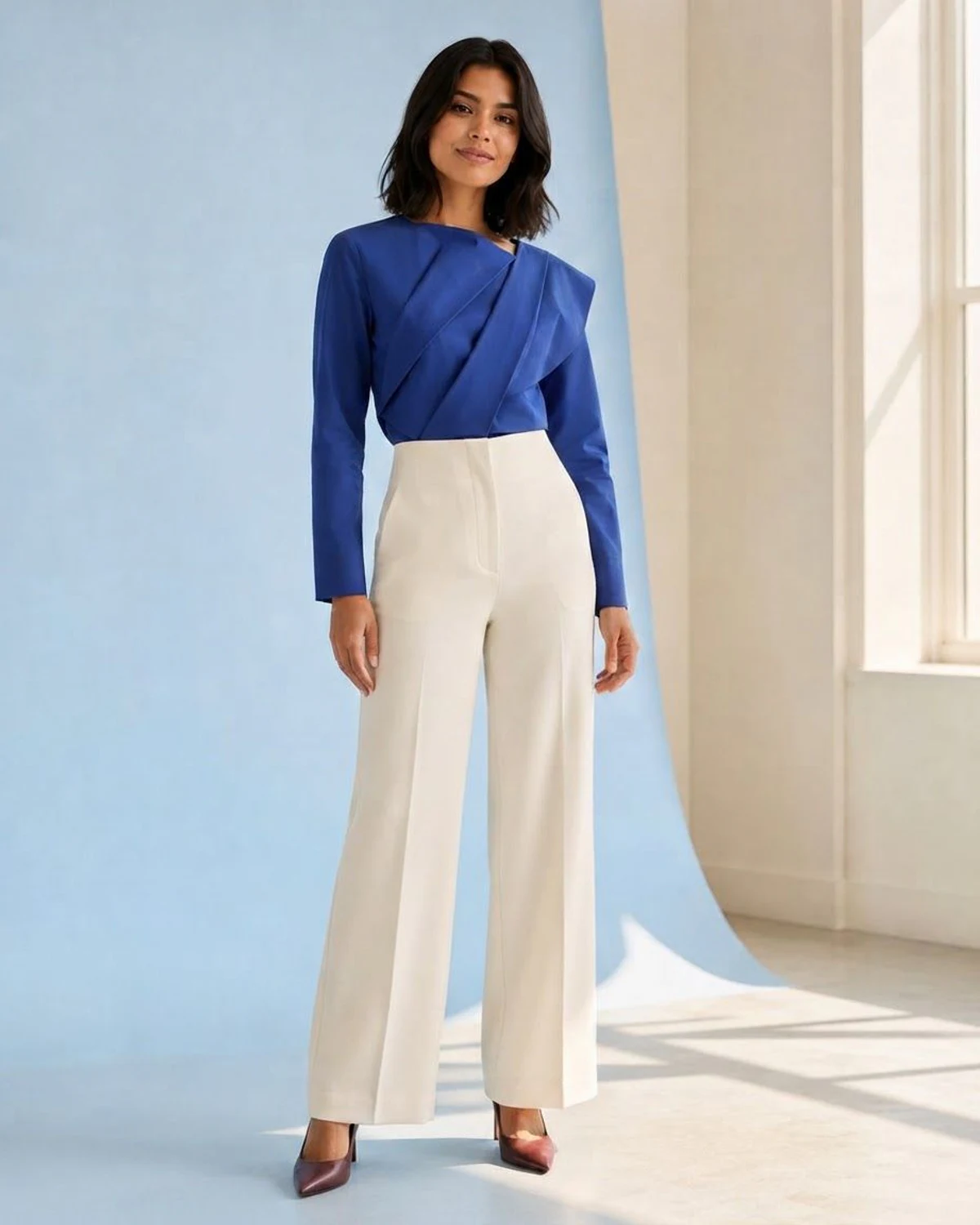
Compare the generated still image with your source, download it as JPG, or revise the direction and regenerate.
PNG, JPEG, and WebP may be accepted as inputs. Generated downloads are JPG.
Upload Your PhotoUse the same workflow for everyday, work, event, and creative styling ideas. Every template fills a real description and returns you to the generator for review.
Preview casual layers, denim, sneakers, streetwear, or a specific color combination on your own photo.
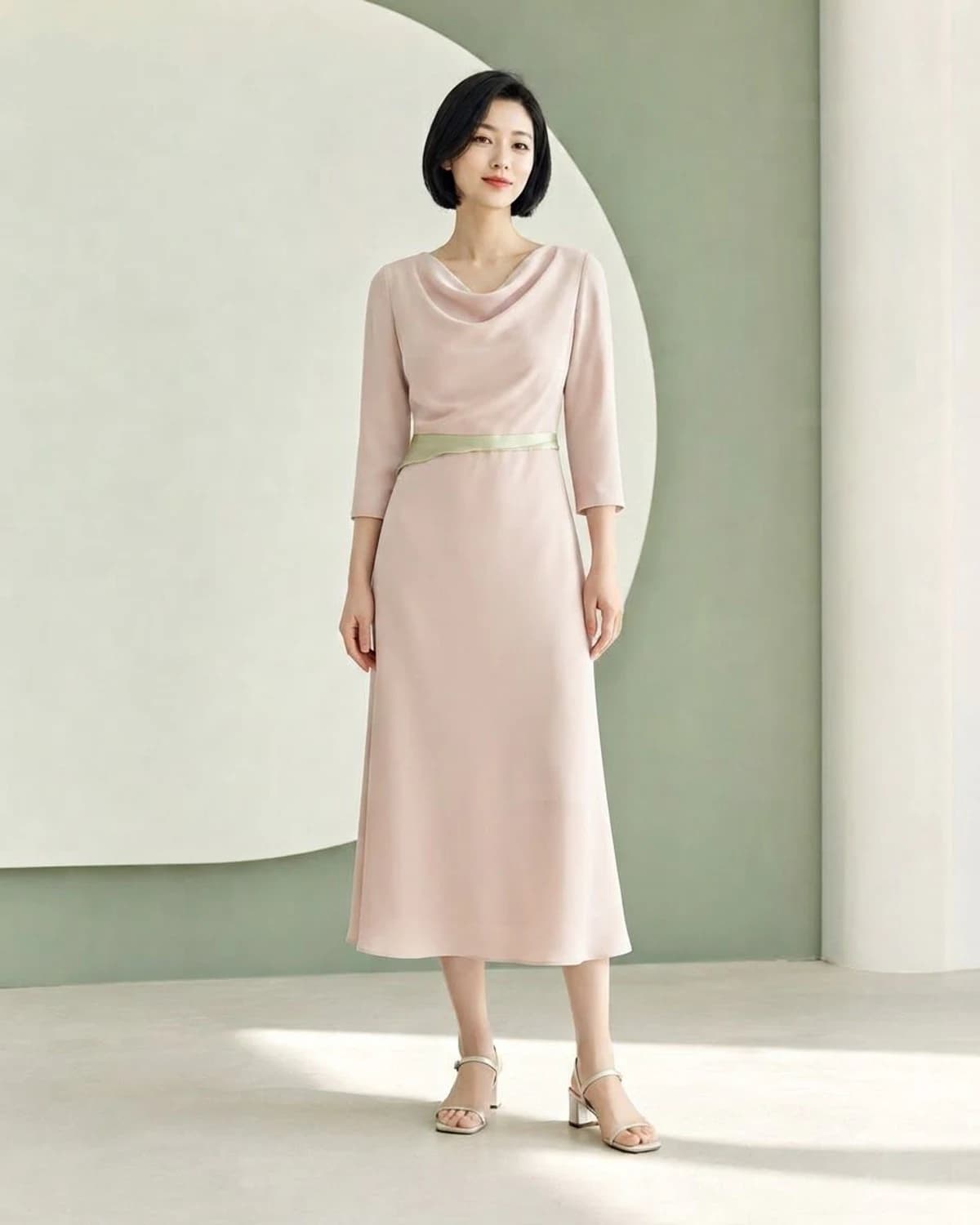
Describe a business-casual, interview, wedding, date-night, vacation, or party look before planning the final outfit.
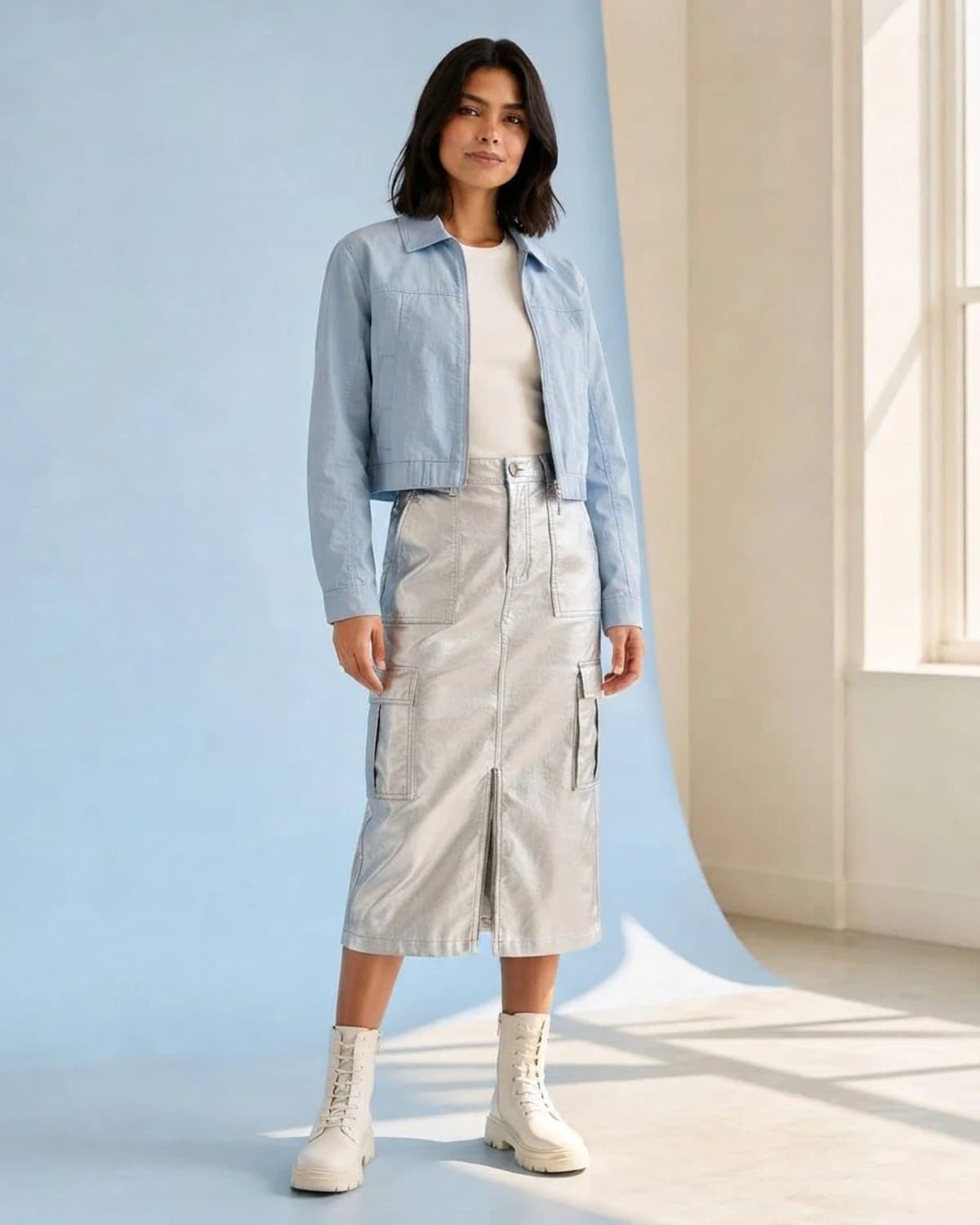
Explore a visual idea for profile photos, campaign concepts, or social content.
Templates only prefill the outfit description. Nothing generates until you review the prompt and add your photo.
“An elegant wedding guest outfit in soft neutral colors, polished and modern.”
Review in editorWedding Guest is ready in Describe a Look. Review it before generating.
Move beyond the same catalog pose. Try walking shots, seated portraits, close crops, night scenes, and clean studio frames.
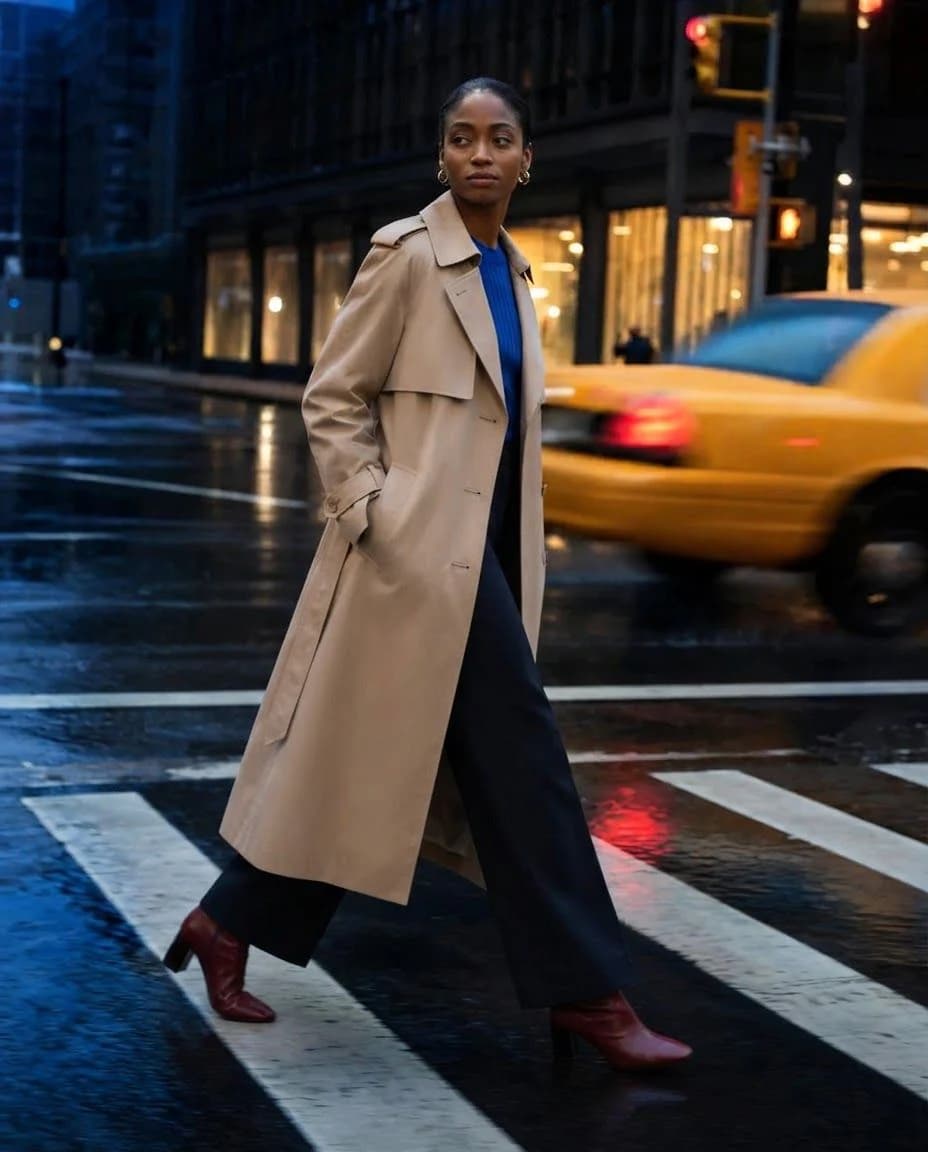
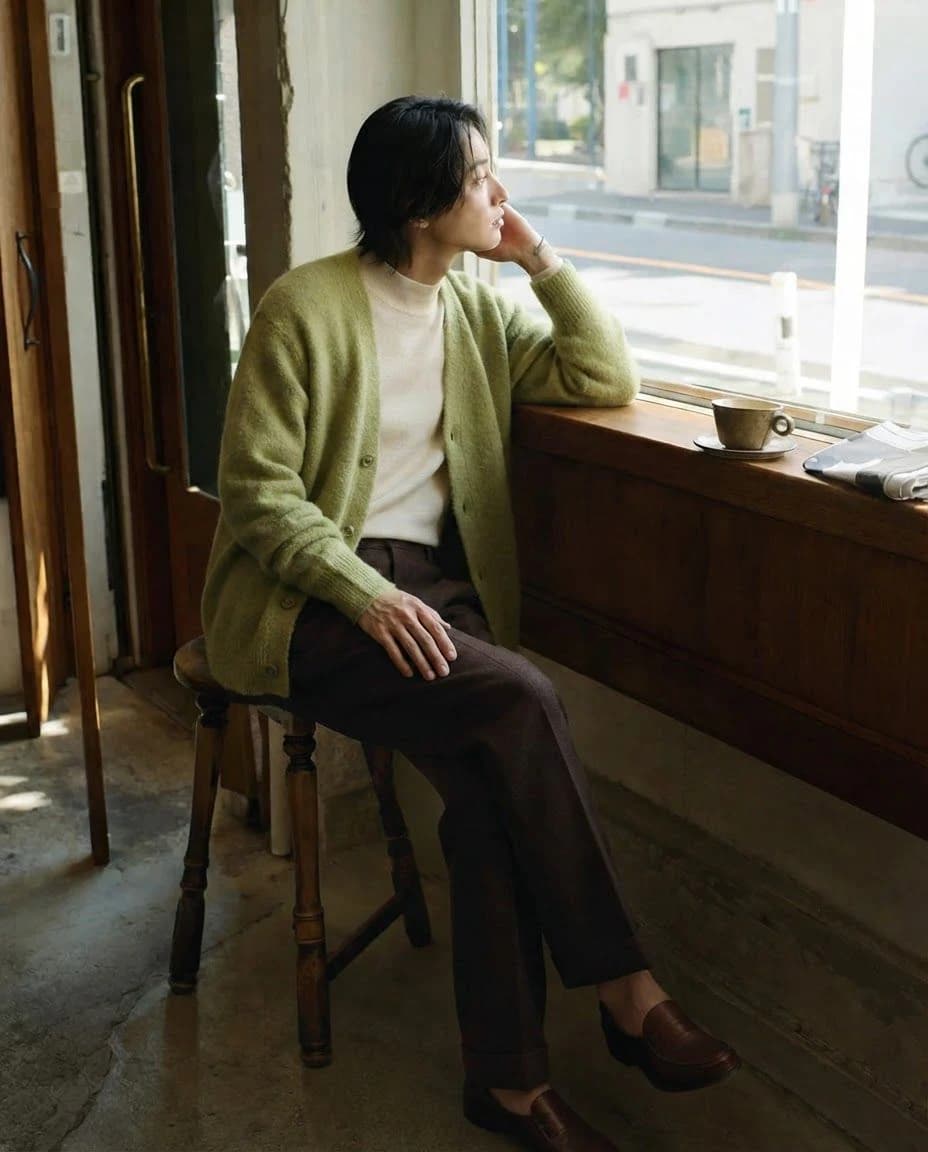
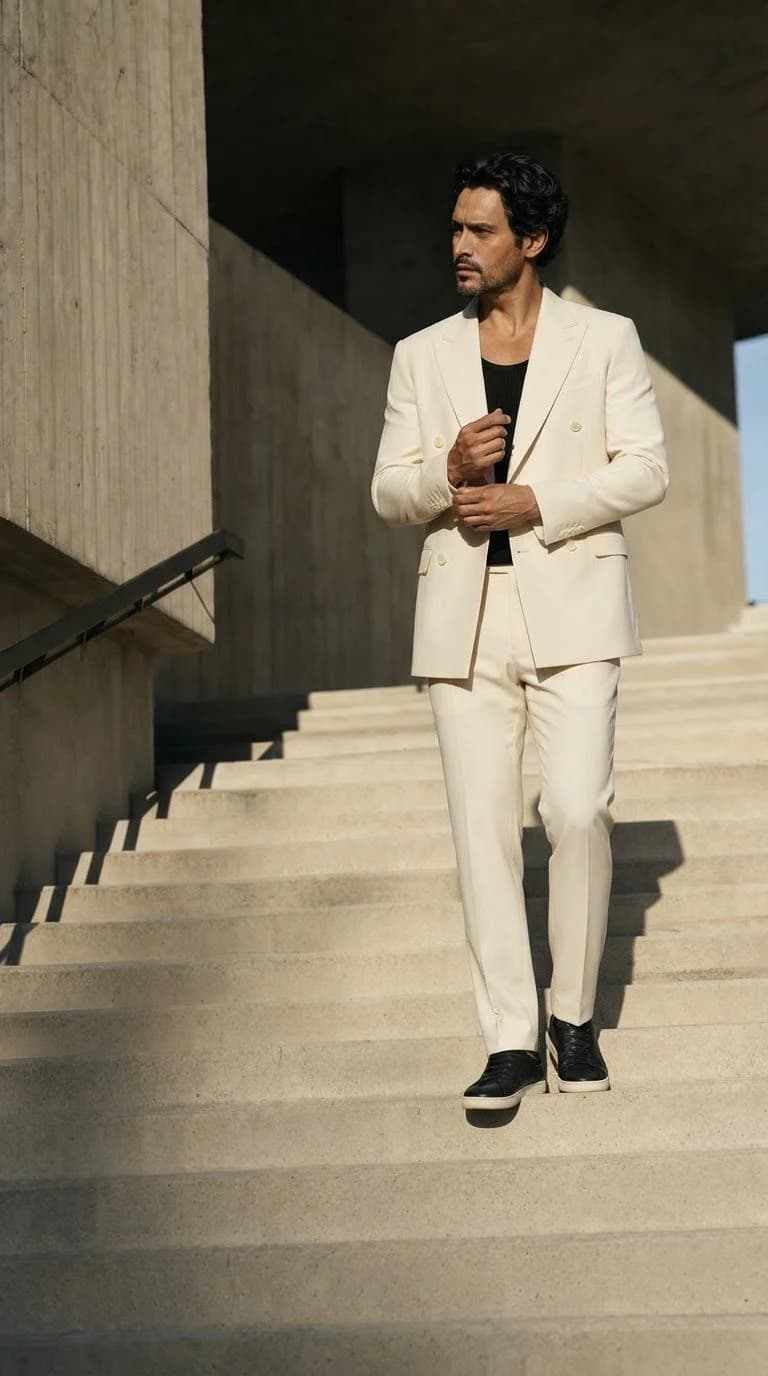
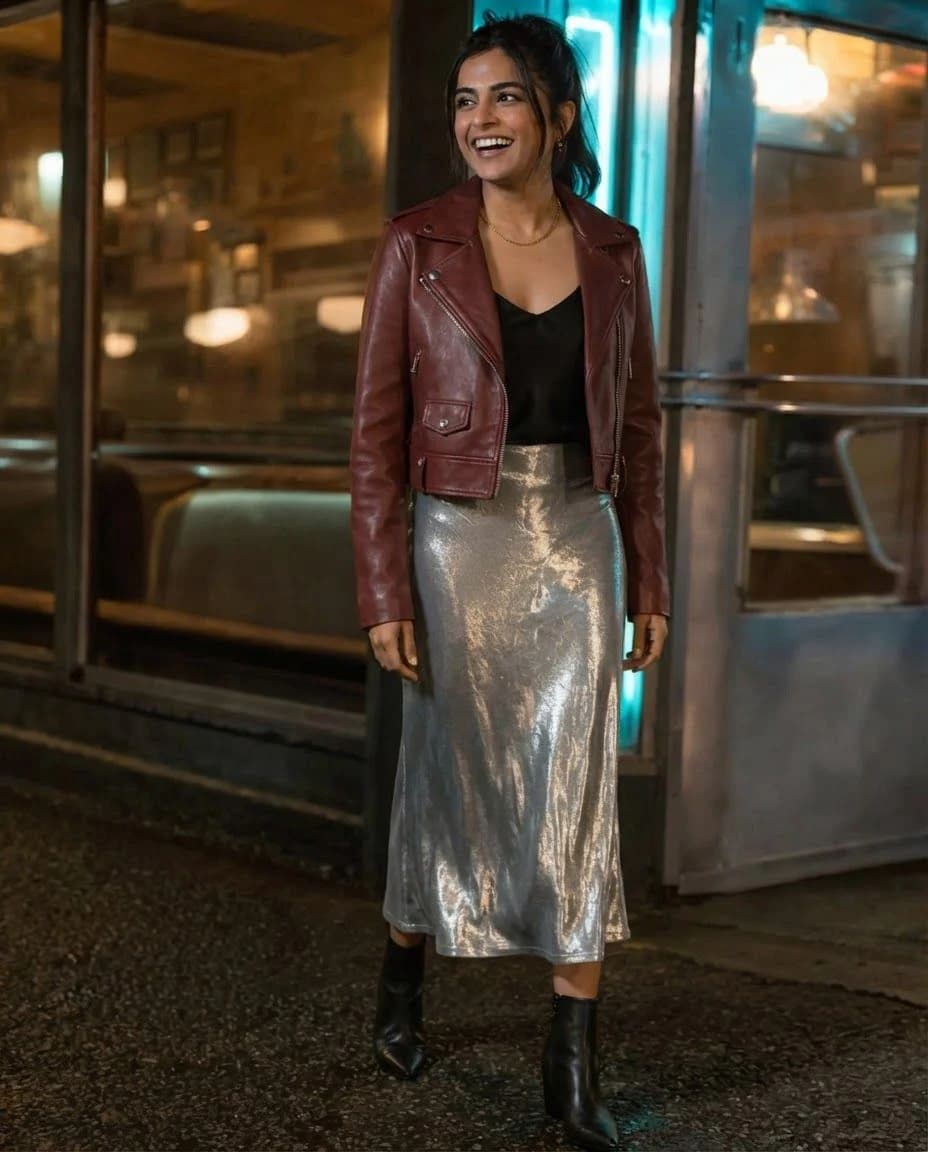
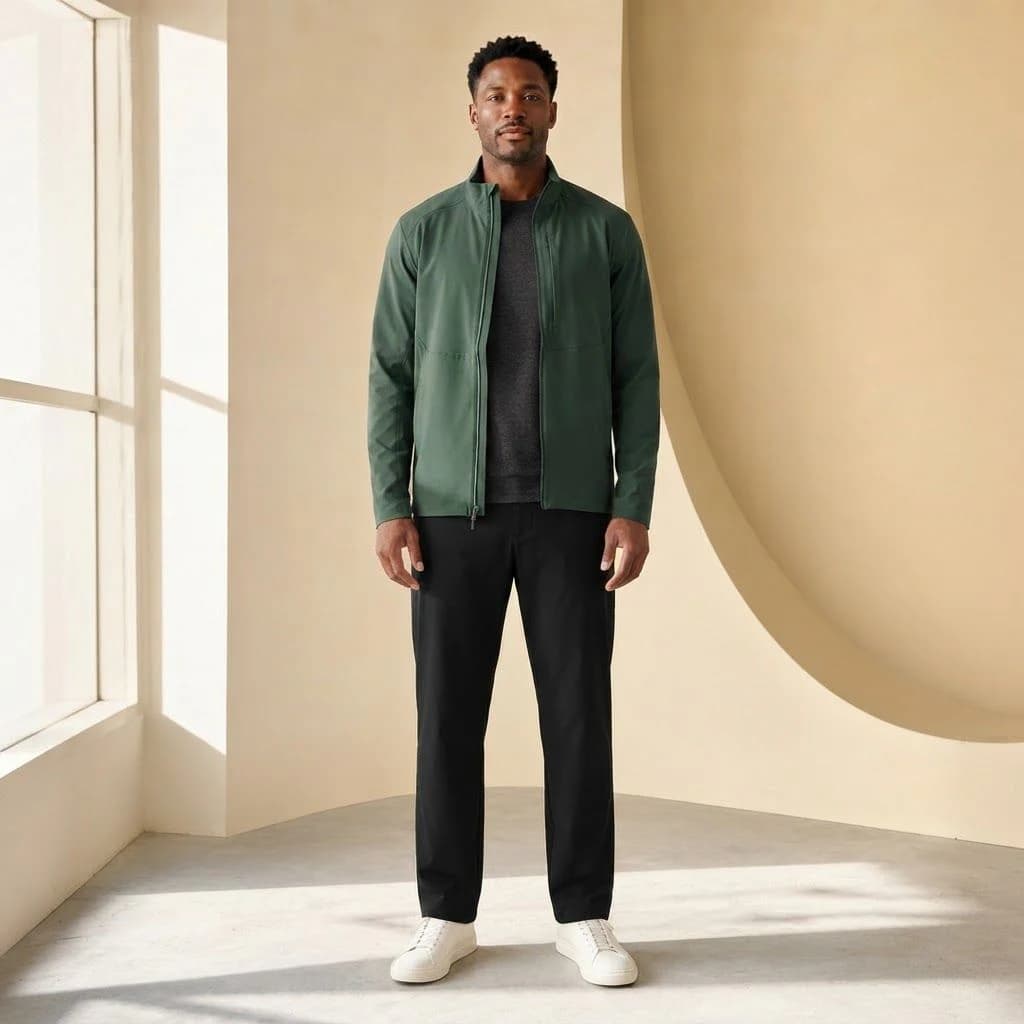
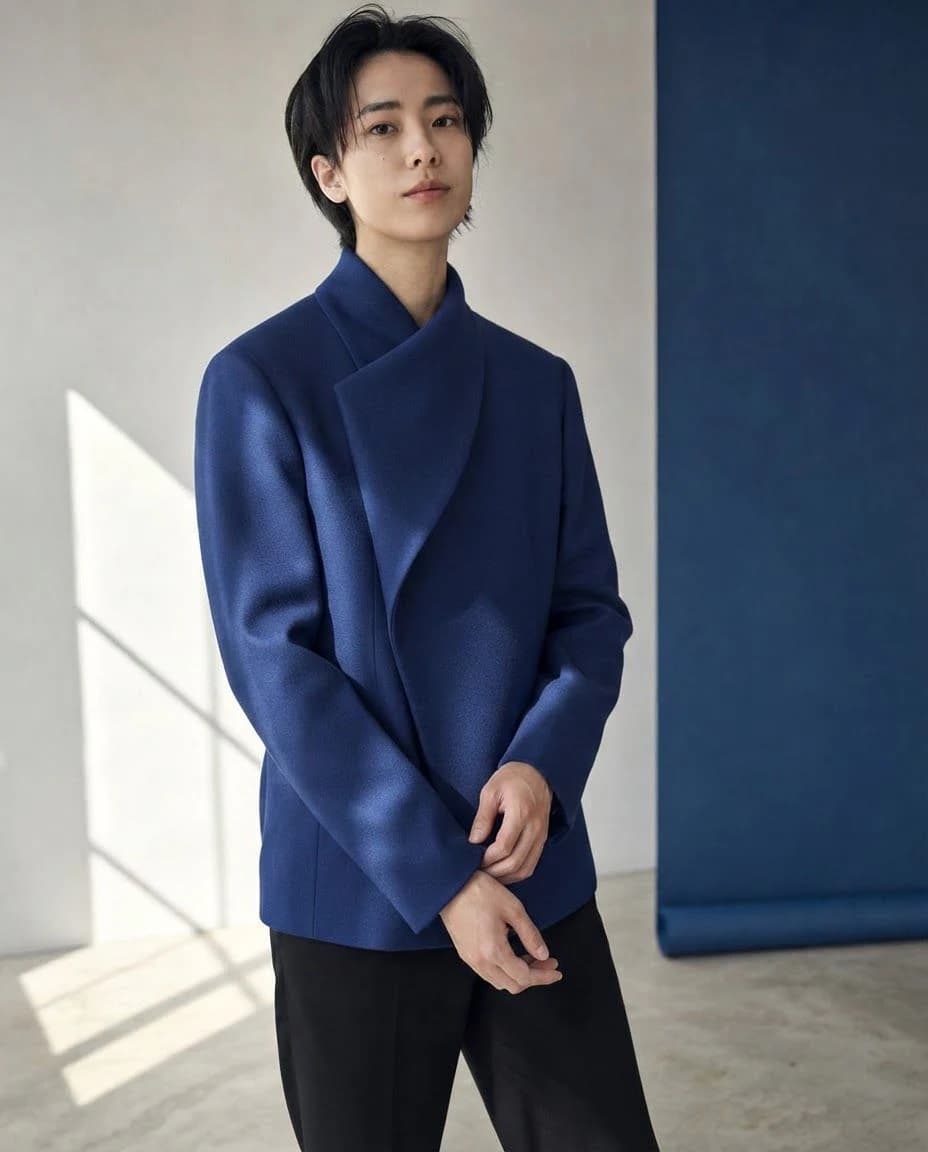
 AI fashion model wearing the uploaded garment
Choose a model direction and turn one clothing image into an on-model listing visual.
Open AI Fashion Model Generator Extracted outfit arranged as a clean ecommerce flatlay
Upload a worn look and extract its visible pieces into a clean, coordinated product flatlay.
Open AI Clothing Generator Portrait with a new outfit for social media
Keep the person and frame, then create a new outfit direction for the next social asset.
Open AI Clothes ChangerEach prompt names the clothes, palette, texture, and occasion. Choose one to load it into Describe a Look, then edit any detail.
Use the result to compare clothing direction, color, layering, and overall mood. It is a generated image, not a measurement-led fitting or a guarantee that every small detail will match.
Explore how a saved outfit or written idea might look with your photo before deciding what to style, shop, or photograph.
Face, hair, pose, background, logos, text, hands, and fine garment details may change. Clear inputs usually provide a better visual brief.
The tool does not use body measurements, garment measurements, retailer sizing data, stock information, or physical fabric behavior.
Compare the result with the original and outfit source, then revise the input if an important styling detail is missing.
Start Free — Upload Your PhotoCreate two successful results per browser in a rolling 24-hour period, download JPG files, and optionally revisit up to 12 recent results stored in this browser for up to 24 hours.
successful generations every rolling 24 hours
Choose by generation volume. All plans unlock every current outfit workflow.
$95.88 charged yearly · save $24.00
For occasional outfit experiments
$191.88 charged yearly · save $48.00
For regular creators and fashion workflows
$383.88 charged yearly · save $96.00
For high-volume visual production
Credits are reserved while a generation runs and returned automatically if it fails. Annual plans receive the full annual credit pool after payment.
Yes. Upload a clear photo of yourself, then add a saved outfit image or describe the look you want. The result is a visual preview, not a size or fit prediction.
You always need one clear person photo. Then choose either an outfit image as the reference or a written description of the look.
Use a clear photo with one person, a visible face, good lighting, and a front or three-quarter view. Full-body or waist-up photos work best, and the shortest edge should be at least 512 pixels.
A result usually takes about 10–30 seconds, but processing time can vary. The page shows the actual task state instead of promising an exact completion time.
No account is required for the browser allowance. Each browser gets two successful generations in a rolling 24-hour period. Failed generations do not use the allowance; a successful regeneration does.
The generator tries to preserve them, but it cannot guarantee an exact match. Complex poses, occlusion, hands, logos, text, sheer materials, and reflective fabrics can reduce fidelity.
No. It creates a visual clothing preview and does not use body measurements, garment measurements, retailer sizing data, or physical fabric behavior.
You can download the generated result as a JPG. Optional recent history can keep up to 12 results in the current browser for up to 24 hours, but it is not cloud backup.
The site does not publish uploaded or generated images to a public gallery. Photos are sent to the generation provider for processing; read the Privacy page for current processing and retention details.
Add a saved outfit or describe the look you want. Two successful previews are free every 24 hours, no account required.
Start Free — Upload Your Photo

